
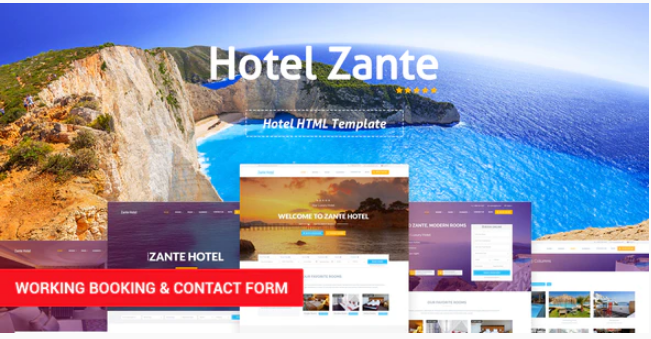
Zante – Hotel Template
SKU: 1641
One-time payment · lifetime access to this file
- Instant download after purchase
- 100% original, unmodified GPL file
- Free lifetime updates on request
- Secure Razorpay / PayPal checkout
Product details
- Type
- Theme
- Released
- June 25, 2020
About Zante – Hotel Template
Zante is a static HTML template for accommodation websites. In the store it is filed under hostels, booking, hotel spa resort and travel accommodation, so it gives a hotel, hostel or resort a ready-made front end with pages you edit directly. People find it by searching for the zante theme.
It is a set of HTML, CSS and script files, not a WordPress theme and not a booking engine. You edit the pages in a code editor, replace the text and images, and upload the folder to any web host. A booking form on the page is a design only unless you connect it to a booking service or back end. The listing does not say which pages or form types it includes.
The file on record was released in June 2020. Open it locally and look through the pages before planning your build.
Requirements
- A web host or local server for static files
- A code editor
Key features
- Hotel and resort design
- Page layouts aimed at hotels, hostels, spas and resorts.
- Booking-style layout
- Filed under booking, so expect areas for room and stay information.
- Static HTML files
- No database or CMS is needed to host it.
- Editable in any code editor
- You change text, images and colours directly in the files.
- Travel accommodation category
- Also suited to guest houses and similar accommodation sites.
Is it right for you?
A good fit for
- Small hotels, hostels and guest houses that need a simple website
- Developers building a quick accommodation site without a CMS
Look elsewhere if
- Hotels that need online bookings and payments built in
- Owners who want to edit pages from a dashboard rather than in code
How to install Zante – Hotel Template
- 1
Download the file
Open My Account → Downloads and download the product. If the archive contains several zips (documentation, child theme, licensing files), you need the one named after the product.
- 2
Preview and edit
Unzip the template and open the HTML files in a code editor. Text lives in the .html files; colours and fonts are in the CSS.
- 3
Upload to your host
Upload the template folder's contents to your site's public folder (often public_html) with your host's file manager or SFTP, keeping the folder structure intact.
Notes for this product
- The listing does not name any back end or booking service. Connect a booking widget or form handler of your own if guests should reserve online.
Setup: using Zante – Hotel Template
- Unzip and open the pages. Extract the package and open the main page to see the layout.
- Replace text and images. Edit the hotel name, descriptions, room details and photos in the HTML files.
- Set contact and location details. Update the address, phone number, email and map in the contact areas.
- Connect booking or enquiry. Link the booking buttons to your reservation system or form handler.
- Upload to your host and test. Upload the folder, then check every page on a phone.
Common problems and fixes
Images or fonts show on your computer but not on the live site
- Why it happens
- Linux hosts treat file names as case-sensitive, so Photo.JPG and photo.jpg differ.
- How to fix it
- Match the file names and paths exactly in the HTML and CSS.
The booking form does nothing when submitted
- Why it happens
- Static templates have no back end to receive or process bookings.
- How to fix it
- Connect the form to a booking service or form handler, or replace it with a reservation widget.
The contact form doesn't send
- Why it happens
- Static templates need a server-side script or a form service to deliver mail.
- How to fix it
- Configure the template's mail script with your address on a host that supports PHP mail or SMTP, or connect a form service.
Sliders, fonts or maps don't work when opening index.html directly
- Why it happens
- Browsers block some scripts on file:// pages.
- How to fix it
- Preview through a local server (for example VS Code Live Server) or after uploading to your host.
Alternatives to Zante – Hotel Template
| Product | Choose it if | Price |
|---|---|---|
| Thalia – Hotel and Resort Booking Bootstrap Template | you want a Bootstrap-based hotel and resort booking template to compare. | $3.99 |
| Hotely – Hotel Booking & Travel HTML Template | you want an HTML template that combines hotel booking and travel pages. | $3.99 |
| SkyLine – Hotel Booking HTML Template | you want another hotel booking HTML template with its own layout. | $3.99 |
Frequently asked questions
Is Zante a WordPress theme?
No. It is a static HTML template. You edit the files directly and upload them to a host.
Does it take bookings?
No booking engine is mentioned. Connect a booking service or form handler yourself.
Can I use it for a hostel or spa?
Yes. It is filed under hostels and hotel spa resort as well as general accommodation.
How many pages does it have?
The listing does not say. Open the package and count the HTML files.
Categories: Hostels, Booking, Hotel Spa Resort, Travel Accommodation
Related products
 −93%
−93%Online University – Education LMS WordPress Theme 1.7.3
 −77%
−77%Hot Coffee | Cafe & Restaurant HTML Template
 −82%
−82%Dolomia – Hiking, Outdoor, Mountain Guide HTML Template
 −93%
−93%Dokan – WooCommerce Booking Integration 1.4.5
 −93%
−93%Scientia | Public Library & Book Store Education WordPress Theme 1.0
 −92%
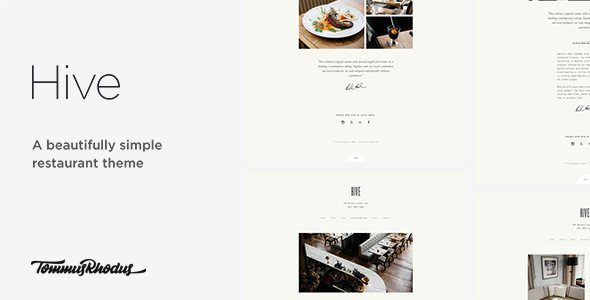
−92%Hive Restaurant Cafe WordPress Theme 1.0.1
 −93%
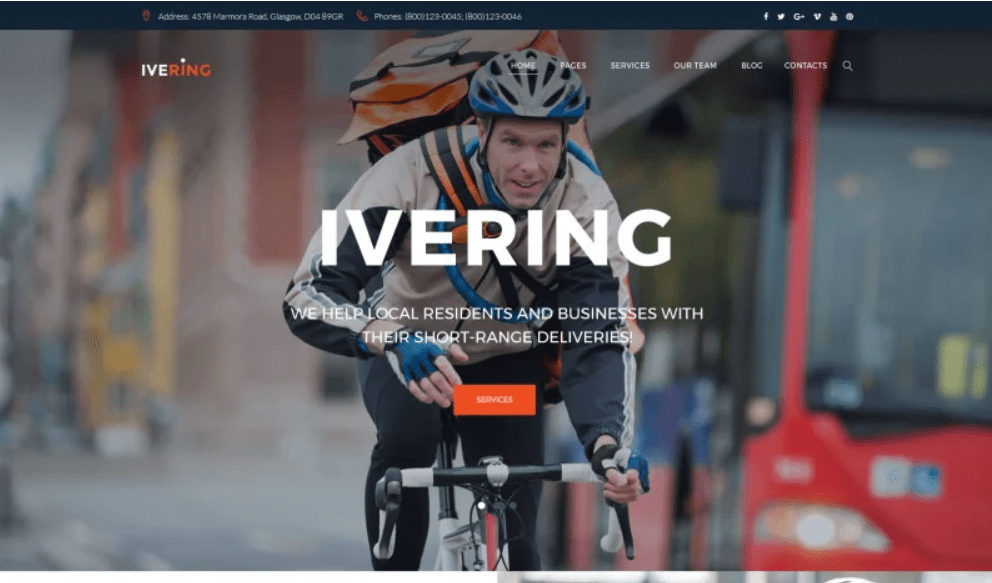
−93%Bike Courier & Package Delivery WordPress Theme
 −93%
−93%