

Rankie WordPress Rank Tracker Plugin
Version 1.7.2
SKU: 4226
One-time payment · lifetime access to this file
- Instant download after purchase
- 100% original, unmodified GPL file
- Free lifetime updates on request
- Secure Razorpay / PayPal checkout
Product details
- Version on file
- 1.7.2
- Type
- plugin
- Released
- 18-01-2022
- File size
- 554.02 KB
- License
- GPL
About Rankie WordPress Rank Tracker Plugin 1.7.2
Rankie tracks keyword rankings from inside WordPress. You add the keywords you care about, and the plugin checks where your site appears in Google's results for each one, so you can follow your positions without opening a separate tool.
A rank tracker answers a narrow question: did my position for this keyword go up or down? It doesn't explain why. Use it to watch the pages and phrases that matter to your business, and pair it with Google Search Console for the wider picture of impressions and clicks.
Treat the numbers as snapshots. Google's results vary by country, device and whether you're signed in, so a position reported by a tracker can differ from what a particular person sees.
Key features
- Keyword position tracking
- Checks where your site ranks in Google for the keywords you add.
- Inside the dashboard
- See your rankings in WordPress, without logging in to a separate SEO tool.
- A view for each keyword
- Follow every keyword's position individually, so you can spot which ones are slipping.
- Trend over time
- Repeated checks show whether a keyword is moving up or down.
- Small plugin
- The plugin file is only about half a megabyte, so it adds little to your site.
Is it right for you?
A good fit for
- Site owners who want to follow a short list of target keywords
- Small businesses that want rank checks next to their site, without another subscription
- Agencies that like having a basic ranking view inside the client's dashboard
Look elsewhere if
- Teams tracking very large keyword sets, or needing competitor and search-feature tracking, which dedicated SEO platforms cover
- Anyone who needs exact data on clicks and impressions: Google Search Console reports that directly
How to install Rankie WordPress Rank Tracker Plugin 1.7.2
- 1
Download the file
Open My Account → Downloads and download the product. If the archive contains several zips (documentation, child theme, licensing files), you need the one named after the product.
- 2
Upload it to WordPress
In your dashboard go to Plugins → Add New Plugin → Upload Plugin and choose the zip.
- 3
Install and activate
Click Install Now, then Activate. If an older or free copy is already installed, WordPress offers to replace it with the uploaded version.
Setup: using Rankie WordPress Rank Tracker Plugin 1.7.2
- Open the plugin. After activating, open Rankie from the dashboard menu.
- Add your site. Enter the domain you want to track.
- Add your keywords. List the keywords you care about, starting with a small set of important ones.
- Run a first check. Start a rank check and wait for the positions to appear.
- Compare with Search Console. Once a month, compare the positions with Google Search Console to see how they line up.
Common problems and fixes
Checks fail or positions show as not found
- Why it happens
- Google can block automated lookups, particularly when checks run often or from a shared server.
- How to fix it
- Run checks less often and track fewer keywords. If the plugin offers an API or proxy option, use it.
Positions differ from what you see when you search
- Why it happens
- Google personalises results by location, device and sign-in state, and a tracker sees a different version.
- How to fix it
- Search in a private window with the same country and device settings before comparing.
“The link you followed has expired.” when uploading
- Why it happens
- The zip is larger than your server's PHP upload limit (upload_max_filesize / post_max_size).
- How to fix it
- Raise the upload limit in your hosting control panel, or unzip the file and upload the folder to wp-content/plugins with your host's file manager or SFTP.
“The package could not be installed. No valid plugins were found.”
- Why it happens
- The uploaded zip is a bundle (or a theme), not the plugin itself.
- How to fix it
- Unzip the download once and upload the inner zip named after the plugin.
“Plugin could not be activated because it triggered a fatal error.”
- Why it happens
- Usually a PHP version older than the plugin needs, or a second copy of the same plugin (for example the free version) still active.
- How to fix it
- Check your PHP version under Tools → Site Health → Info, deactivate any other copy of the plugin, and enable WP_DEBUG_LOG to see the exact error.
Licence or “updates unavailable” notices
- Why it happens
- The developer's licence key isn't included. Features that call the developer's servers (template libraries, cloud APIs, automatic updates) need it.
- How to fix it
- Everything that runs locally works without it. For a newer file, use Request an update from your account.
Alternatives to Rankie WordPress Rank Tracker Plugin 1.7.2
| Product | Choose it if | Price |
|---|---|---|
| Rank Math SEO PRO v2.0.9 | you'd rather have keyword tracking sit alongside a full on-page SEO plugin than run a standalone tracker. | $4.25 |
Frequently asked questions
Is a rank tracker the same as Search Console?
No. A tracker looks up where your page appears for a keyword. Search Console reports the impressions, clicks and average positions Google measured. Use both.
Will it improve my rankings?
No. It measures positions. Improving them still depends on content, links and technical SEO.
How many keywords should I track?
Start with the handful that matter most to your business. More keywords means more lookups, and Google can limit automated checks.
Why do the positions change from day to day?
Search results move constantly, and they vary by location and device. Look at the trend over weeks, not a single day.
Categories: SEO, Marketing, Services
Related products
 −85%
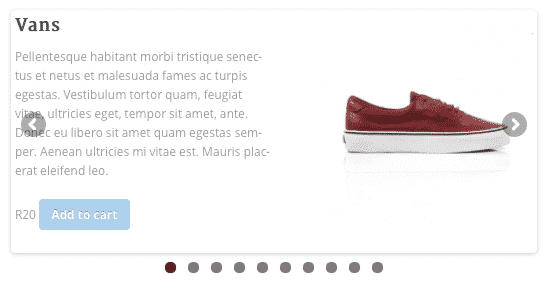
−85%WooSlider Products Slideshow 1.0.23
 −93%
−93%Revaldak – Printing Services WordPress Theme
 −80%
−80%Purple – Notification & Transactional Email Templates
 −75%
−75%Lion – One Page & Multipurpose HTML Theme
 −67%
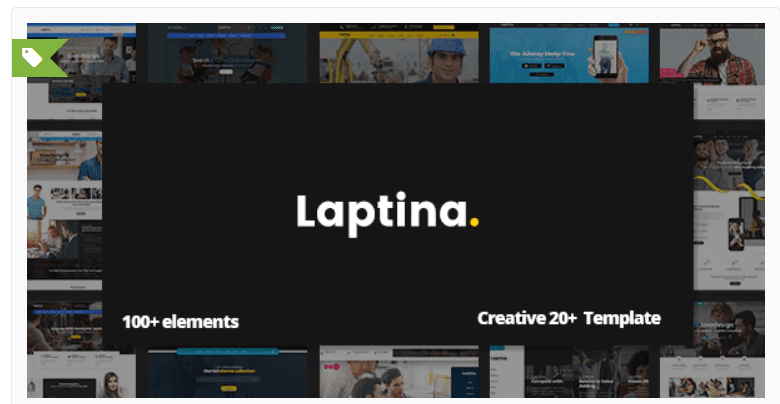
−67%Laptina – Creative Multipurpose Template
 −78%
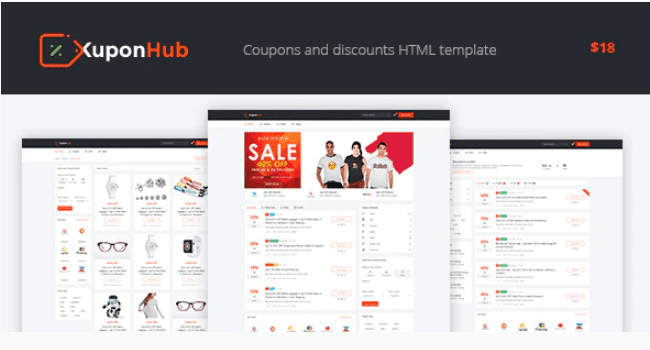
−78%Kuponhub | Affiliate Coupons and Discounts
 −90%
−90%Hot Topix – Modern WordPress Magazine Theme 3.3.1
 −79%
−79%