
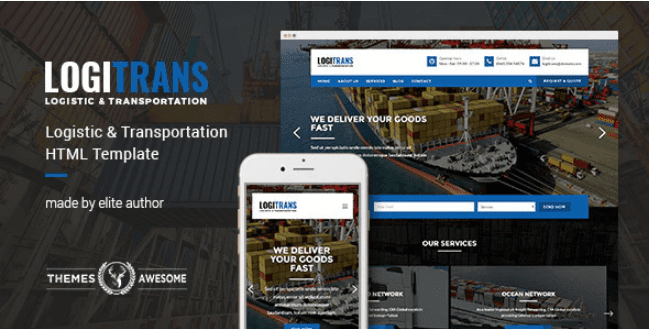
LogiTrans – Logistic and Transportation HTML Template
SKU: 1509
One-time payment · lifetime access to this file
- Instant download after purchase
- 100% original, unmodified GPL file
- Free lifetime updates on request
- Secure Razorpay / PayPal checkout
Product details
- Type
- Theme
- Released
- June 26, 2020
About LogiTrans – Logistic and Transportation HTML Template
LogiTrans is a static HTML template for logistics and transportation companies. It comes as plain HTML, CSS and script files, so it is not a WordPress theme and there is no admin panel or database. You edit the pages in a code editor and upload them to a web host.
The store files it under HTML5 and gives no other detail. The listing doesn't state how many pages it has, whether it is responsive or which scripts it uses, so look in the package documentation before you plan the site. The file on record dates from June 2020.
Requirements
- A code editor
- A web host or static hosting for the finished files
Key features
- Logistics and transport theme
- Named and designed for freight and transport companies.
- Static HTML5 files
- Plain pages with no CMS or database to install.
- Hand-editable
- Change text, images and styling directly in the files.
- Host anywhere
- Runs on ordinary shared or static hosting.
Is it right for you?
A good fit for
- Small logistics firms that need a simple brochure website
- Developers building a quick site for a transport client
Look elsewhere if
- Anyone who wants to manage content from a WordPress dashboard
- Sites that need quote forms, tracking or booking systems, which the listing doesn't state
How to install LogiTrans – Logistic and Transportation HTML Template
- 1
Download the file
Open My Account → Downloads and download the product. If the archive contains several zips (documentation, child theme, licensing files), you need the one named after the product.
- 2
Preview and edit
Unzip the template and open the HTML files in a code editor. Text lives in the .html files; colours and fonts are in the CSS.
- 3
Upload to your host
Upload the template folder's contents to your site's public folder (often public_html) with your host's file manager or SFTP, keeping the folder structure intact.
Setup: using LogiTrans – Logistic and Transportation HTML Template
- Unzip and review the files. Look for the documentation and the list of HTML pages.
- Preview on a local server. Serve the folder locally so sliders, fonts and maps behave as they will online.
- Replace text, images and contact details. Edit each page with your company information.
- Clean up navigation. Remove unused pages and fix menu links.
- Upload and test. Copy the files to your host and check each page on desktop and phone.
Common problems and fixes
The contact form doesn't send
- Why it happens
- Static templates need a server-side script or a form service to deliver mail.
- How to fix it
- Configure the template's mail script with your address on a host that supports PHP mail or SMTP, or connect a form service.
Sliders, fonts or maps don't work when opening index.html directly
- Why it happens
- Browsers block some scripts on file:// pages.
- How to fix it
- Preview through a local server (for example VS Code Live Server) or after uploading to your host.
Alternatives to LogiTrans – Logistic and Transportation HTML Template
| Product | Choose it if | Price |
|---|---|---|
| Hasta – Responsive Multipurpose HTML5 Template | you want a multipurpose HTML5 template that isn't tied to logistics. | $3.99 |
Frequently asked questions
Is LogiTrans a WordPress theme?
No. It is a static HTML template and doesn't install through WordPress.
Is it responsive?
The listing doesn't say. Open the files on a phone-sized window to check.
How many pages does it include?
The listing doesn't state this. Check the package.
Can it track shipments?
Not as far as the listing says. It's a design template, so tracking would need separate software.
Categories: HTML5
Related products
 −77%
−77%Zakas – Fashion HTML Template
 −81%
−81%Satisfyc – Satisfaction Survey Form Wizard
 −67%
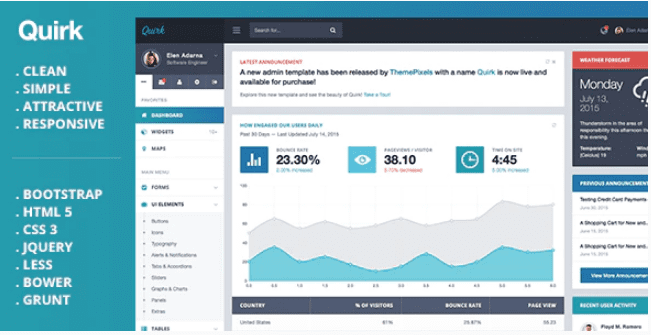
−67%Quirk Bootstrap Admin Template
 −75%
−75%Lion – One Page & Multipurpose HTML Theme
 −78%
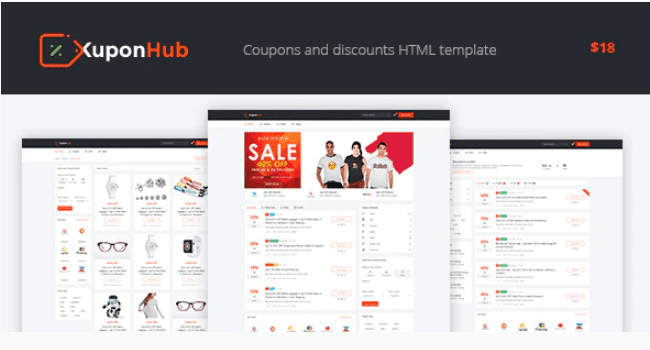
−78%Kuponhub | Affiliate Coupons and Discounts
 −77%
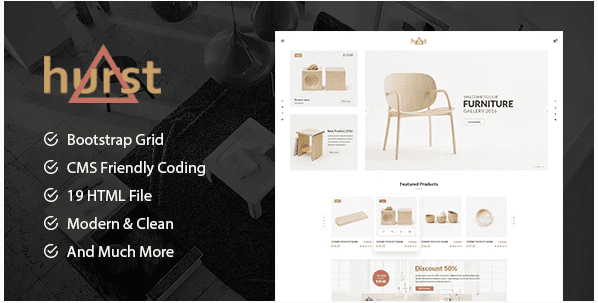
−77%Hurst – Furniture Store eCommerce HTML Template
 −77%
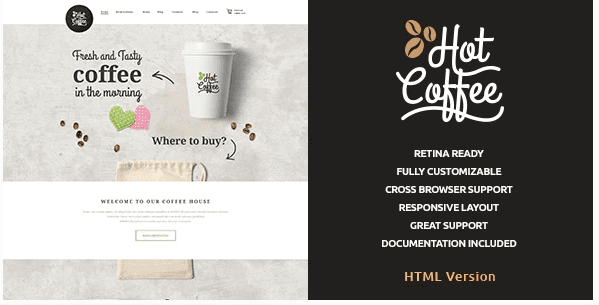
−77%Hot Coffee | Cafe & Restaurant HTML Template
 −75%
−75%