

LearnDash LMS 2Checkout Integration Addon
Version 1.1.1.1
SKU: 9340
One-time payment · lifetime access to this file
- Instant download after purchase
- 100% original, unmodified GPL file
- Free lifetime updates on request
- Secure Razorpay / PayPal checkout
Product details
- Version on file
- 1.1.1.1
- Type
- Plugin
- Released
- August 16, 2017
About LearnDash LMS 2Checkout Integration Addon 1.1.1.1
This is an add-on for LearnDash, not a stand-alone plugin. It adds 2Checkout as a payment gateway so students can pay for LearnDash courses through a 2Checkout account. You need LearnDash LMS installed and active before the add-on does anything.
The file on record is version 1.1.1.1 from August 2017, and the listing gives no further detail. 2Checkout has since been rebranded as Verifone, and its APIs have changed over time, so an old gateway file must be tested in sandbox mode before any live payment. Check the documentation in the package for the settings it expects.
Requirements
- LearnDash LMS plugin, installed and active
- A 2Checkout (now Verifone) merchant account
Key features
- 2Checkout gateway for LearnDash
- Lets course buyers pay through 2Checkout instead of only the gateways LearnDash ships with.
- Works inside LearnDash
- Extends LearnDash's own course checkout rather than adding a separate shop.
- Payment gateway category
- Filed in the store as a payment gateway add-on.
- Details in the package
- The listing doesn't state supported currencies or payment methods, so read the included documentation.
Is it right for you?
A good fit for
- LearnDash course sellers who already have a 2Checkout account
- Developers testing an extra gateway for an existing LearnDash site
Look elsewhere if
- Sites that don't run LearnDash, because the add-on needs it
- Anyone who needs a gateway that is certain to match current Verifone APIs without testing
How to install LearnDash LMS 2Checkout Integration Addon 1.1.1.1
- 1
Download the file
Open My Account → Downloads and download the product. If the archive contains several zips (documentation, child theme, licensing files), you need the one named after the product.
- 2
Upload it to WordPress
In your dashboard go to Plugins → Add New Plugin → Upload Plugin and choose the zip.
- 3
Install and activate
Click Install Now, then Activate. If an older or free copy is already installed, WordPress offers to replace it with the uploaded version.
Notes for this product
- Install and activate LearnDash first, then this add-on. It does nothing without the parent plugin.
Setup: using LearnDash LMS 2Checkout Integration Addon 1.1.1.1
- Activate LearnDash, then the add-on. Make sure LearnDash works before adding the gateway.
- Find the 2Checkout settings. Look in LearnDash's payment or settings screens for the new gateway, and read the package documentation if unsure.
- Enter your account details in sandbox mode. Use your account identifiers and keep any test or sandbox option on while you check it.
- Run a test purchase. Buy a course as a test student and confirm access is granted after payment.
- Switch to live only after it passes. Turn sandbox off once a full test order works end to end.
Common problems and fixes
The 2Checkout option does not appear in LearnDash
- Why it happens
- The add-on is inactive, LearnDash isn't active, or this old file doesn't match your LearnDash version.
- How to fix it
- Confirm both plugins are active, then test on staging with the current LearnDash release.
A test payment succeeds but the student isn't enrolled
- Why it happens
- The gateway's return or notification step isn't reaching your site, which is common with old gateway code and changed account settings.
- How to fix it
- Check the notification URL in your 2Checkout account, review the gateway settings, and retest in sandbox.
“The link you followed has expired.” when uploading
- Why it happens
- The zip is larger than your server's PHP upload limit (upload_max_filesize / post_max_size).
- How to fix it
- Raise the upload limit in your hosting control panel, or unzip the file and upload the folder to wp-content/plugins with your host's file manager or SFTP.
“The package could not be installed. No valid plugins were found.”
- Why it happens
- The uploaded zip is a bundle (or a theme), not the plugin itself.
- How to fix it
- Unzip the download once and upload the inner zip named after the plugin.
“Plugin could not be activated because it triggered a fatal error.”
- Why it happens
- Usually a PHP version older than the plugin needs, or a second copy of the same plugin (for example the free version) still active.
- How to fix it
- Check your PHP version under Tools → Site Health → Info, deactivate any other copy of the plugin, and enable WP_DEBUG_LOG to see the exact error.
Licence or “updates unavailable” notices
- Why it happens
- The developer's licence key isn't included. Features that call the developer's servers (template libraries, cloud APIs, automatic updates) need it.
- How to fix it
- Everything that runs locally works without it. For a newer file, use Request an update from your account.
Frequently asked questions
Does it work without LearnDash?
No. It is an add-on that needs LearnDash LMS installed and active.
Is 2Checkout still called that?
2Checkout was rebranded as Verifone. Check that your account type works with this older add-on before taking live payments.
Can I use it live straight away?
The file dates from August 2017. Test it in sandbox mode on a staging site first.
Which currencies does it support?
The listing doesn't state this. Check the documentation in the package and your 2Checkout account.
Categories: Payment Gateway
Related products
 −93%
YITH PayPal Payouts for WooCommerce 1.0.23
 −94%
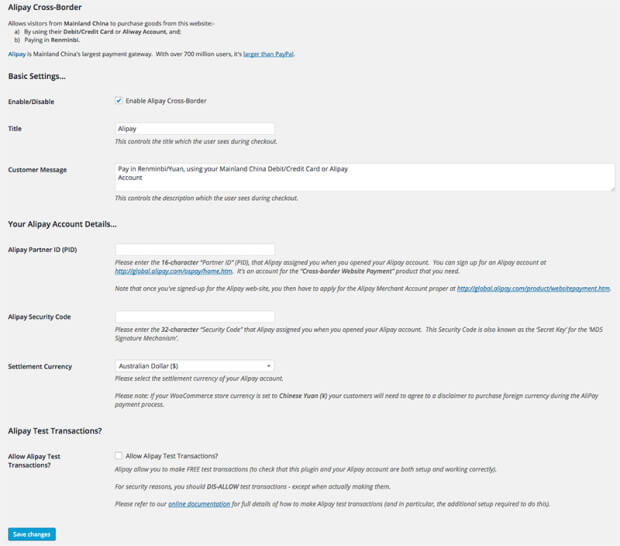
WooCommerce Alipay Cross Border Payment Gateway 3.0
 −94%
Give WePay Gateway 1.3.2
 −94%
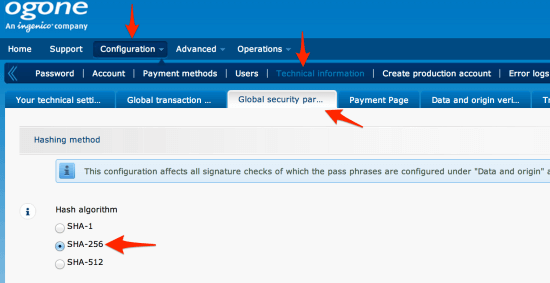
Ogone for WooCommerce 1.13.0
 −93%
LearnPress – Woo Payment LearnPress – 4.0.1
 −94%
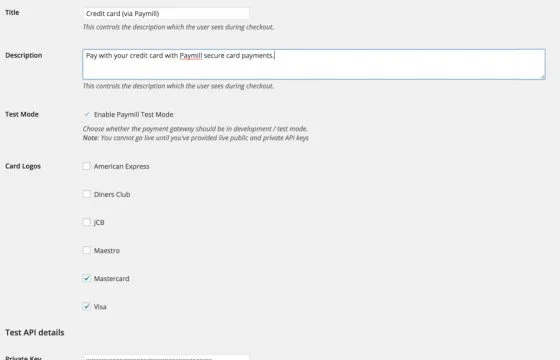
WooCommerce Paymill Gateway 3.3.0
 −34%
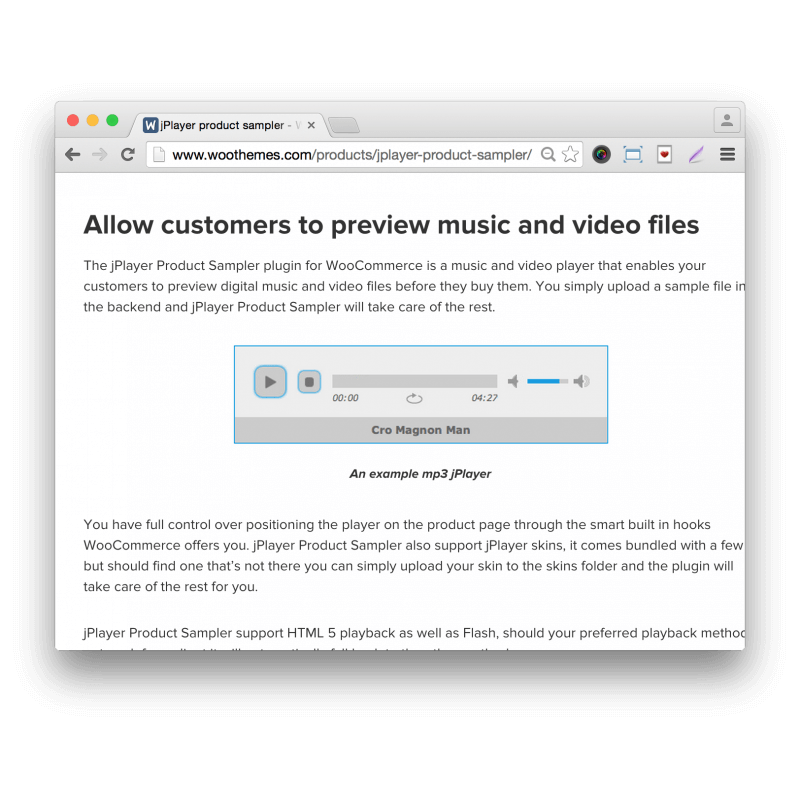
WooCommerce jPlayer Product Sampler 1.4.1
 −93%