
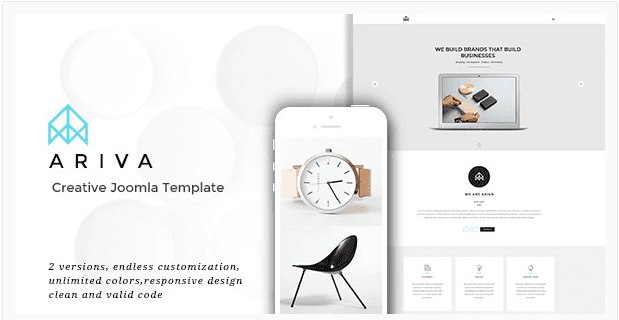
Ariva | Creative Responsive Parallax Joomla Template
SKU: 4095
One-time payment · lifetime access to this file
- Instant download after purchase
- 100% original, unmodified GPL file
- Free lifetime updates on request
- Secure Razorpay / PayPal checkout
Product details
- Type
- Theme
- Released
- April 19, 2020
About Ariva | Creative Responsive Parallax Joomla Template
Ariva is a template for Joomla, not for WordPress or any shop platform. It is filed under creative, portfolio, agency, responsive, one-page and Joomla categories, and the title describes it as parallax. If you searched for a parallax Joomla template, this is the kind of design it offers.
The listing doesn't state which Joomla version it targets, and the file on record is from April 2020. Check the documentation in the package, then test on a copy of your site, because Joomla templates are built for specific major versions.
Requirements
- Joomla (check the documentation for the supported version)
Key features
- Parallax scrolling
- The title describes a parallax effect, where backgrounds move at a different speed from the content.
- One-page style
- Filed under one-page, so sections scroll on a single long page.
- Responsive layout
- Filed as responsive, so it adapts to phones and tablets.
- Portfolio and agency use
- Categorised for creative, portfolio and agency sites.
Is it right for you?
A good fit for
- Agencies and freelancers who run on Joomla and want a one-page portfolio
- Creative studios that want a scrolling showcase
Look elsewhere if
- WordPress, Shopify or PrestaShop sites, since this is a Joomla template
- Large content sites that need many separate pages and menus
How to install Ariva | Creative Responsive Parallax Joomla Template
Notes for this product
- The listing doesn't state the Joomla version. Confirm it in the documentation before installing, and keep a full backup of your site.
Setup: using Ariva | Creative Responsive Parallax Joomla Template
- Back up and use a test copy. Back up your Joomla site and files, and install on a copy first.
- Check the supported Joomla version. Read the documentation in the package and compare it with your version.
- Install the template. In the Joomla administrator, use System, Install, Extensions and upload the template zip.
- Set it as the default style. Under System, Site Template Styles, make Ariva the default.
- Add your content. Replace the sections with your own text, images and menu entries.
Common problems and fixes
Joomla shows an install error for the zip
- Why it happens
- The package contains extra folders (documentation, demo files) around the actual template zip.
- How to fix it
- Unzip the download and upload only the template or quickstart zip described in the documentation.
Frequently asked questions
Is Ariva a WordPress theme?
No. It is a Joomla template and will not install on WordPress.
Which Joomla version does it need?
The listing doesn't state it. Check the package documentation and test on a copy.
Is it a one-page layout?
It is filed under one-page and described as parallax. The package demo will show how the sections are arranged.
Does it include demo content?
The listing doesn't say. Look for a quickstart or sample data in the package.
Categories: Creative, SEO, Customize, Portfolio, Agency, Responsive, one-page, Envato joomla, Joomla
Related products
 −94%
−94%Zyra – The Clean, Minimal Shopify Theme
 −77%
−77%Zakas – Fashion HTML Template
 −93%
−93%Yottis | Personal Creative Portfolio WordPress Theme + Store 1.0
 −93%
−93%Volga – MegaShop Responsive Prestashop 1.7 Theme
 −70%
−70%Undo Redo for WPBakery Page Builder 1.2.5
 −83%
−83%UberSlider Layer Slider WordPress Plugin 1.8.2.2
 −96%
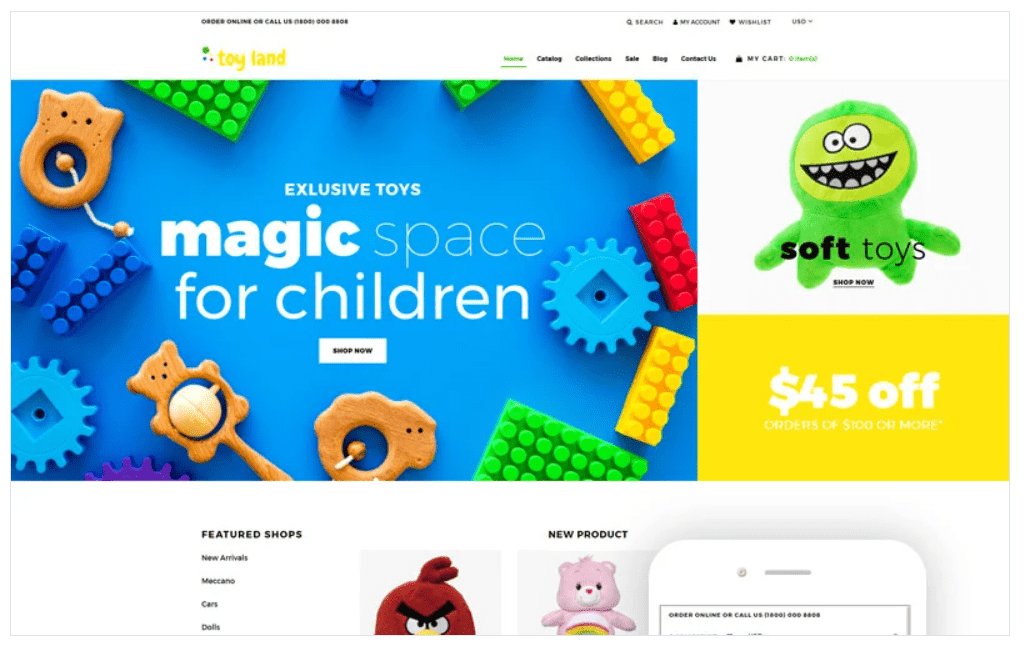
−96%Toy Land – Toy Store Ready-To-Use Clean Shopify Theme
 −93%
−93%