
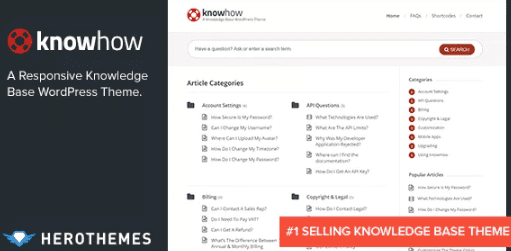
KnowHow – A Knowledge Base WordPress Theme 1.1.20
SKU: 9558
One-time payment · lifetime access to this file
- Instant download after purchase
- 100% original, unmodified GPL file
- Free lifetime updates on request
- Secure Razorpay / PayPal checkout
Product details
- Version on file
- 1.1.20
- Marketplace
- Themeforest
- Type
- Theme
- Released
- March 18, 2019
- License
- GPL
- Live demo
- View the developer's demo
About KnowHow – A Knowledge Base WordPress Theme 1.1.20
KnowHow is a WordPress theme built for knowledge bases and help centres. Instead of turning a blog theme into documentation, it is designed so customers can find answers: articles are organised, navigation is easy to use, and the layout puts the reading experience first.
It includes a multilevel animated navigation menu for browsing categories and sub-categories, two custom widgets (Latest Articles and Popular Articles), and shortcodes for building content layouts. You can choose your colours with a built-in colour picker, embed YouTube and Vimeo videos or host your own, and set options with a simple, unbranded options panel.
It is responsive, built with search optimisation in mind, and ready for translation, with .po and .mo files included. The version on file dates from March 2019, so test it against your current WordPress and PHP versions on a staging site first.
Key features
- Built for knowledge bases
- A layout designed to help visitors find answers, not a blog theme adapted for documentation.
- Multilevel animated navigation
- A navigation menu that opens through categories and sub-categories to help visitors browse.
- Latest and Popular Articles widgets
- Two custom widgets that surface new and well-read articles in your sidebar.
- Shortcodes
- Shortcodes for building content layouts without writing HTML.
- Colour picker
- Choose your theme colours in the options, to match your brand.
- Video post format
- Embed YouTube and Vimeo videos, or host your own, inside articles.
- Ready for translation
- Includes .po and .mo files, so you can translate the theme into other languages.
- Responsive and SEO-ready
- Adapts to different screens, with built-in search optimisation features.
Is it right for you?
A good fit for
- Software and service companies that need a help centre or documentation site
- Support teams who want customers to find answers without contacting them
- Anyone building an internal wiki or FAQ on WordPress
Look elsewhere if
- Sites that need ticketing, live chat or a full helpdesk system, which a knowledge base theme doesn't provide
- Shops or general business sites, where a different theme fits better
How to install KnowHow – A Knowledge Base WordPress Theme 1.1.20
- 1
Download the file
Open My Account → Downloads and download the product. If the archive contains several zips (documentation, child theme, licensing files), you need the one named after the product.
- 2
Find the installable theme zip
Theme packages often bundle the theme, a child theme, plugins and docs. The installable theme is the zip that has style.css at its top level.
- 3
Upload it to WordPress
Go to Appearance → Themes → Add New Theme → Upload Theme, choose the theme zip, then Install Now and Activate.
- 4
Install the recommended plugins
Most premium themes show a notice listing their required plugins. Install those before importing any demo content.
Getting started: using KnowHow – A Knowledge Base WordPress Theme 1.1.20
- Install and activate the theme. Upload the theme zip from Appearance, Themes, and activate it.
- Set your colours and options. Open the theme options and choose colours and layout settings.
- Create your categories. Plan the categories and sub-categories that will organise your articles.
- Write your first articles. Add articles and assign them to categories, using the shortcodes for extra layout.
- Add the widgets. Place the Latest Articles and Popular Articles widgets in your sidebar.
- Set up the navigation and test. Build the multilevel menu, then test finding an answer the way a customer would.
Common problems and fixes
The multilevel menu doesn't show sub-categories
- Why it happens
- The menu hasn't been assigned to the theme's menu location, or the sub-items aren't nested under their parents.
- How to fix it
- Assign your menu to the theme's menu location, and drag sub-items under their parent items in Appearance, Menus.
The Popular Articles widget is empty
- Why it happens
- Popularity is based on views, and the site has little data yet or a cache is hiding the counts.
- How to fix it
- Give it some traffic, clear the cache, and check the widget's settings.
“The package could not be installed. The theme is missing the style.css stylesheet.”
- Why it happens
- The full download package was uploaded instead of the theme zip inside it.
- How to fix it
- Unzip the package and upload the zip that contains style.css at its top level.
“The link you followed has expired.” when uploading
- Why it happens
- The zip is larger than your server's PHP upload limit (upload_max_filesize / post_max_size).
- How to fix it
- Raise the upload limit in your hosting control panel, or unzip the file and upload the folder to wp-content/themes with your host's file manager or SFTP.
Demo import stops part-way or times out
- Why it happens
- The server hits its execution-time or memory limit during the import.
- How to fix it
- Raise max_execution_time and memory_limit with your host, then re-run the importer; importing content, widgets and settings separately also helps.
Pages look broken right after activating
- Why it happens
- The theme's required plugins (page builder, theme core plugin) aren't installed yet.
- How to fix it
- Install and activate everything in the theme's required-plugins notice, then reload.
Alternatives to KnowHow – A Knowledge Base WordPress Theme 1.1.20
| Product | Choose it if | Price |
|---|---|---|
| Tessera – Knowledge Base WordPress Theme 1.8.2 | you want another knowledge base theme to compare layouts. | $4.25 |
| MinervaKB Knowledge Base for WordPress with Analytics 2.0.3 | you'd rather add a knowledge base to your current theme, and see analytics on how people use it. | $4.25 |
| Knowledge Base | Helpdesk | Wiki | FAQ WordPress 4.3.2 | you want a plugin that covers a knowledge base, helpdesk, wiki and FAQ in one. | $4.25 |
Frequently asked questions
Is KnowHow a theme or a plugin?
A theme. It changes the whole site's design to suit a knowledge base.
Can I translate it?
Yes. It includes .po and .mo translation files, so it's ready for other languages.
Can I add videos to articles?
Yes. It supports YouTube and Vimeo embeds, or hosting your own video.
Does it have a search?
The listing doesn't describe a dedicated knowledge base search, so check the demo and documentation if search is important to you.
Will it work with current WordPress?
The file dates from March 2019, so test it on a staging copy before using it on a live site.
Categories: Premium Theme, WordPress Premium Themes
Related products
 −95%
−95%Blogetti – Restaurant Blog WordPress Theme
 −92%
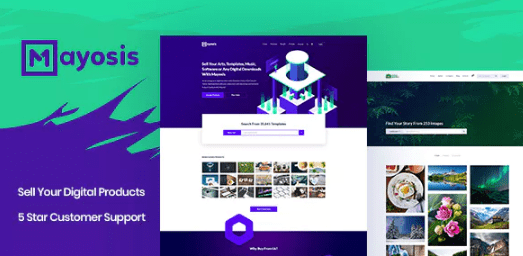
−92%Mayosis – Digital Marketplace WordPress Theme 3.6.6
 −94%
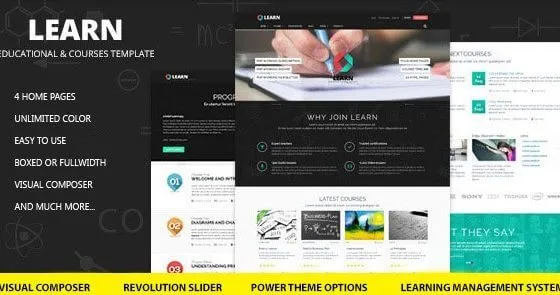
−94%Learn – Education, eLearning WordPress Theme 1.0.9
 −95%
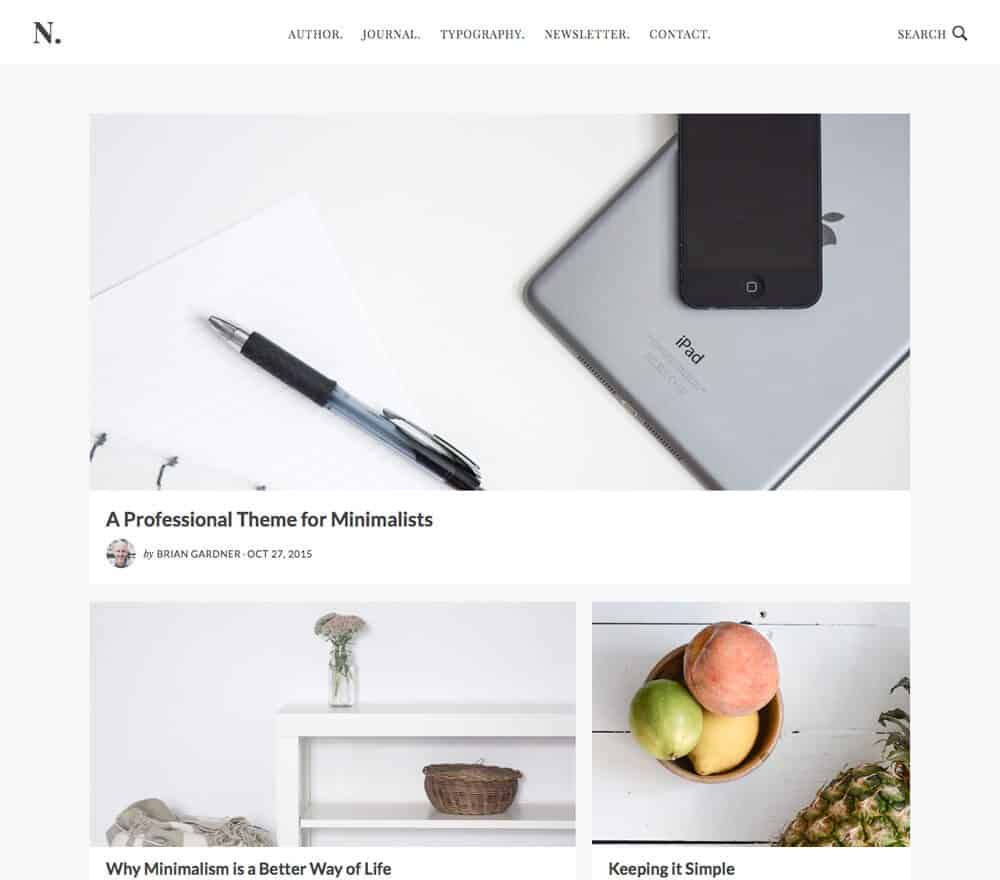
−95%StudioPress No Sidebar Pro Genesis WordPress Theme 1.0.4
 −93%
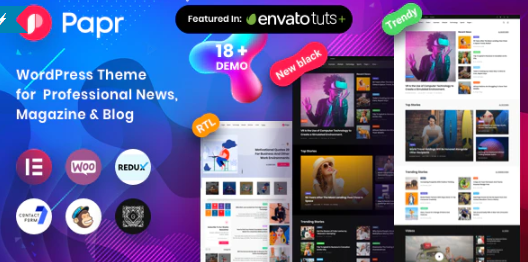
−93%News Magazine Papr – News Magazine WordPress Theme 1.3.2
 −92%
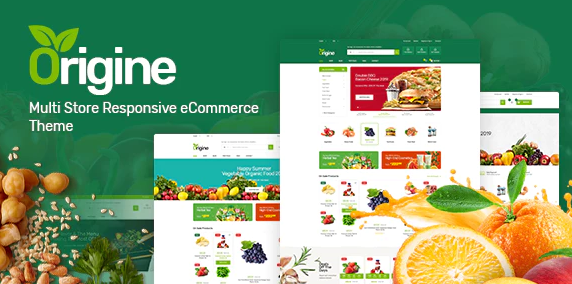
−92%Origine – Organic Theme for WooCommerce WordPress 1.0.3
 −92%
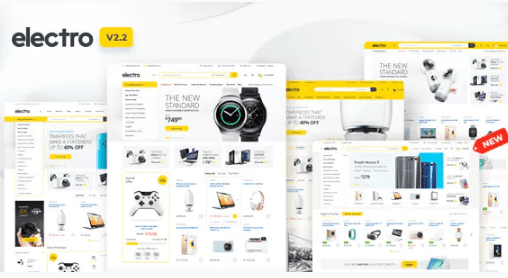
−92%Electro Electronics Store WooCommerce Theme 3.2.3
 −94%
−94%