
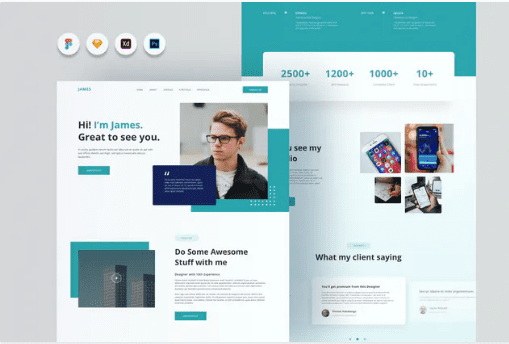
Joyboy – Personal Website Template
SKU: 3373
One-time payment · lifetime access to this file
- Instant download after purchase
- 100% original, unmodified GPL file
- Free lifetime updates on request
- Secure Razorpay / PayPal checkout
Product details
- Type
- Theme
- Released
- July 17, 2020
About Joyboy – Personal Website Template
Joyboy is a personal website template, but the listing describes design files rather than a coded website. It names Figma, Sketch, Adobe XD and Photoshop main files, with vector-based components, a 12-column grid at 1140px and Google Fonts. It is for people who want to design a site, not install one.
The listing says images are not included. You would open the file in your design tool, adapt the layout, and then have it built in HTML, WordPress or another system. Despite being filed as a static HTML template, check the package contents before you buy to confirm what you receive.
Requirements
- Figma, Sketch, Adobe XD or Photoshop, depending on the file you open
Key features
- Four design formats
- Main files for Figma, Sketch, Adobe XD and Photoshop.
- Vector-based components
- Elements can be scaled and edited without losing quality.
- Organised layers
- Files are described as well organised, named and grouped.
- 12-column, 1140px grid
- A standard grid layout for desktop screens.
- Google Fonts
- Uses Google Fonts, which can be installed for free.
Is it right for you?
A good fit for
- Designers who want a personal site layout to adapt in Figma, Sketch or XD
- Freelancers preparing a mockup to hand to a developer
Look elsewhere if
- Anyone who wants a ready-to-upload website, since the listing describes design files only
How to install Joyboy – Personal Website Template
Notes for this product
- This is not a site you upload to a host. The listing says images are not included, so supply your own photos.
Setup: using Joyboy – Personal Website Template
- Check the package contents. Look for the Figma, Sketch, XD or PSD file you can open.
- Install the fonts. Download the Google Fonts the design uses.
- Replace the content. Add your own photos, text and colours.
- Hand it off or build it. Export the layout to a developer or rebuild it in your site builder.
Frequently asked questions
Is Joyboy a working HTML website?
The listing describes design files for Figma, Sketch, XD and Photoshop, not coded pages. Check the package before relying on it as a site.
Does it include images?
No. The listing states images are not included.
Which design tool should I use?
Any of the four formats named; pick the one you already use.
Categories: Creative, SEO, Mobile, Digital, Adobe Photoshop, Adobe XD, Carpenter Template Kit
Related products
 −94%
−94%Zyra – The Clean, Minimal Shopify Theme
 −93%
−93%Yottis | Personal Creative Portfolio WordPress Theme + Store 1.0
 −96%
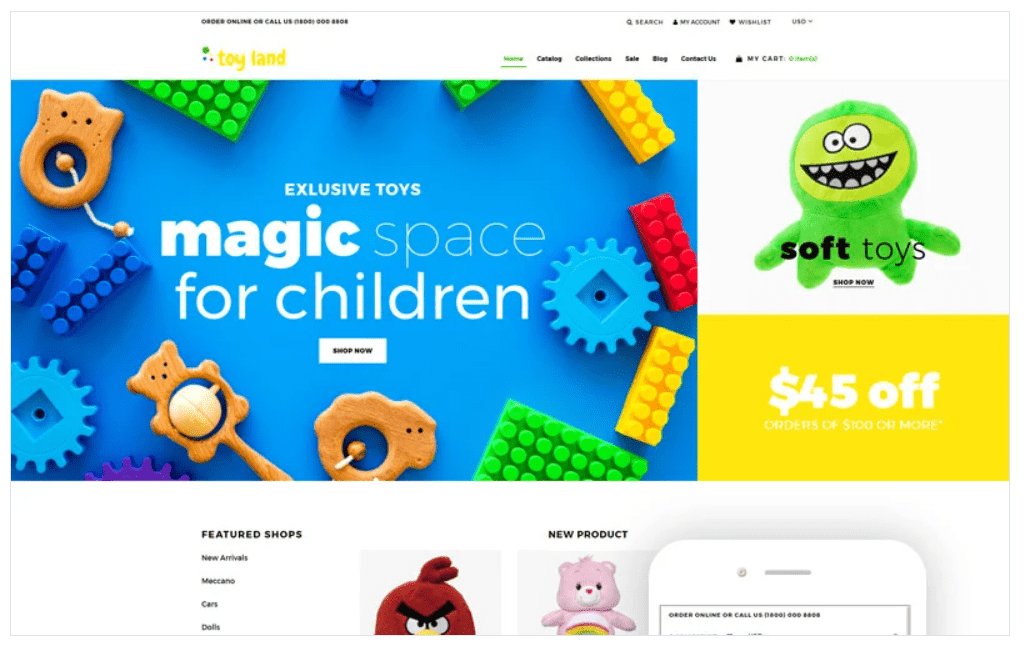
−96%Toy Land – Toy Store Ready-To-Use Clean Shopify Theme
 −96%
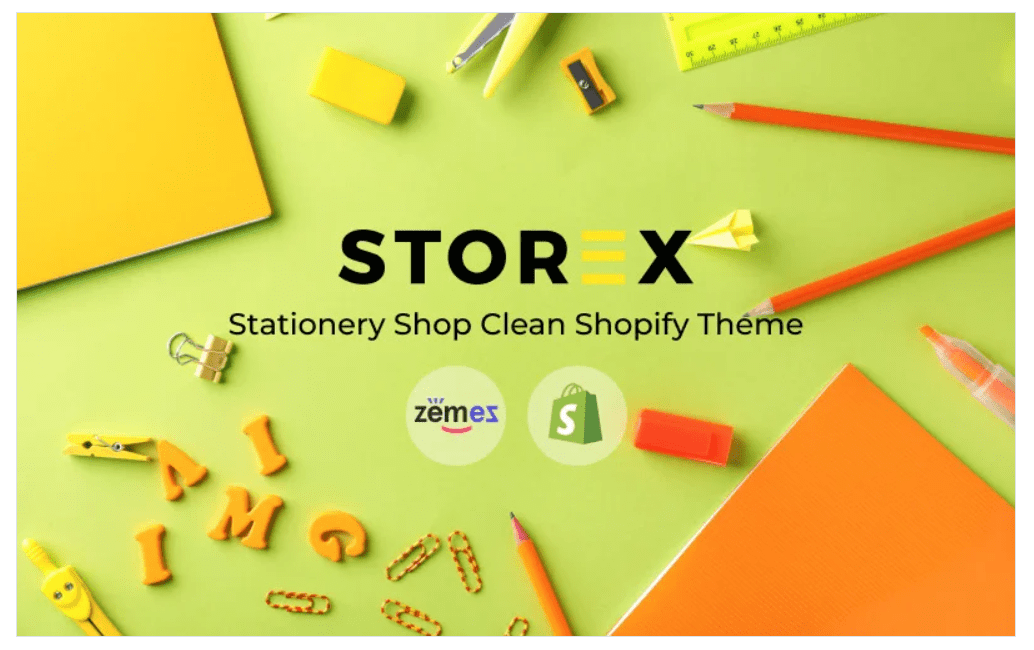
−96%Storex – Stationery Shop Clean Shopify Theme
 −92%
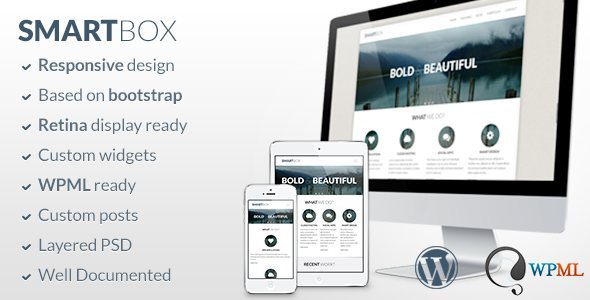
−92%SmartBox – Responsive WordPress Bootstrap Theme 1.6.2
 −96%
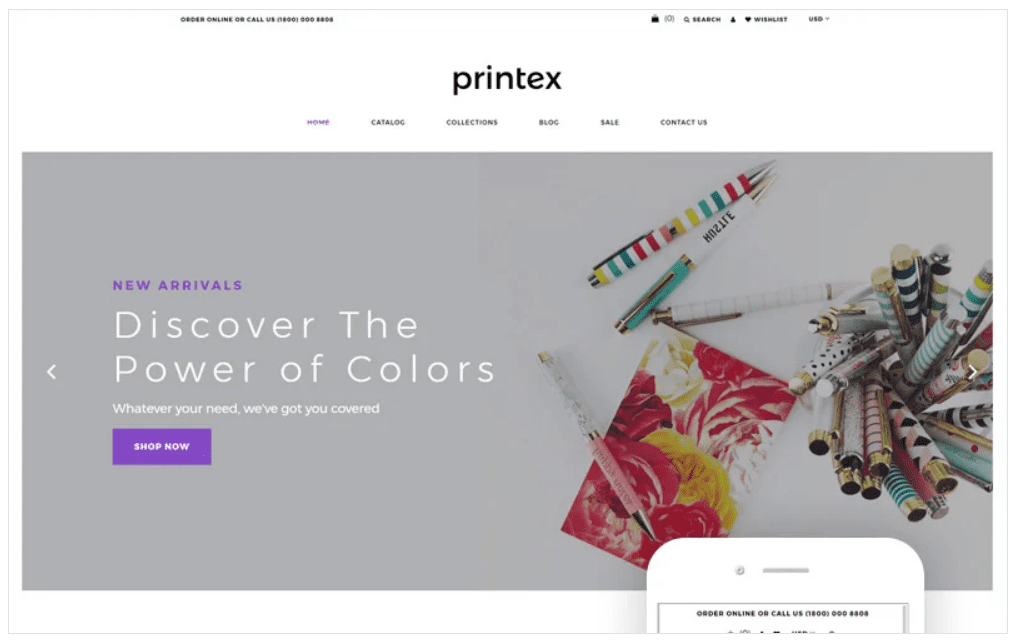
−96%Printex – Print Shop Multipage Modern Shopify Theme
 −93%
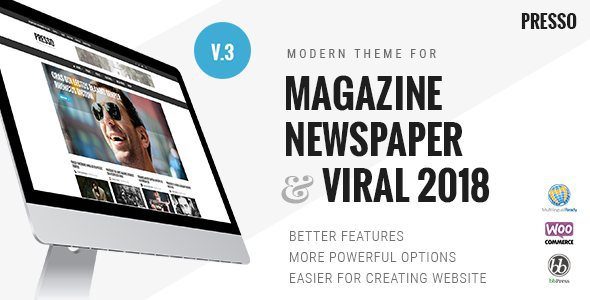
−93%PRESSO – Modern Magazine / Newspaper / Viral Theme 3.3.11
 −90%
−90%