
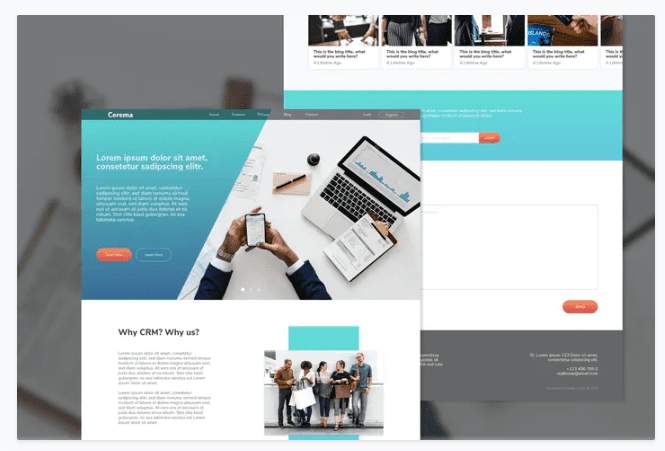
Cerema CRM Website Adobe XD Template
SKU: 3152
One-time payment · lifetime access to this file
- Instant download after purchase
- 100% original, unmodified GPL file
- Free lifetime updates on request
- Secure Razorpay / PayPal checkout
Product details
- Type
- Template
- Released
- July 21, 2020
About Cerema CRM Website Adobe XD Template
Cerema is a single-page homepage design for a CRM or business website, supplied as an Adobe XD file. It is a design template, not a coded website: there is no HTML or WordPress theme to install. It is also filed with PSD and Photoshop categories.
You open it in Adobe XD and change the text, colours and sizes. The description says it is 100% vector and RGB. A font is needed first: a download link is provided in the Read Me file, and the description says to install it before editing text.
Requirements
- Adobe XD (the description mentions CC)
- The font linked in the Read Me file
Key features
- Adobe XD design file
- A homepage layout made to be opened and edited in Adobe XD.
- Single-page homepage
- One homepage design for a CRM or business site.
- Editable text, colour and size
- The description says these are easy to change.
- Vector, RGB artwork
- All elements are described as vector, in RGB colour.
Is it right for you?
A good fit for
- Designers who present a CRM or SaaS homepage concept in Adobe XD
- Developers who need a design to build into code
Look elsewhere if
- Anyone who wants a ready-to-upload website, since there is no code
- Users without Adobe XD
How to install Cerema CRM Website Adobe XD Template
Notes for this product
- Install the font from the Read Me file before opening the design, or the text will not display as designed.
Setup: using Cerema CRM Website Adobe XD Template
- Install the font. Use the link in the Read Me file and install it on your computer.
- Open the file in Adobe XD. Restart XD after installing the font if it does not appear.
- Edit text, colours and sizes. Replace the sample content with your own.
- Export or hand off. Share the design with a developer or export assets from XD.
Common problems and fixes
Text looks different from the preview or reflows oddly
- Why it happens
- The required font is not installed, so XD substitutes another one.
- How to fix it
- Install the font from the Read Me file, restart Adobe XD and reopen the file.
Alternatives to Cerema CRM Website Adobe XD Template
| Product | Choose it if | Price |
|---|---|---|
| DUID – Accounting and CRM Website XD Template | you want another XD design aimed at accounting and CRM sites. | $3.49 |
| DIGIBUDDY – Digital Agency Website XD Template | you need an XD design for a digital agency instead of a CRM. | $3.49 |
Frequently asked questions
Is this a working HTML website?
No. It is an Adobe XD design file. You need to code it or have it built.
Do I need a font?
Yes. The Read Me file links to it, and you should install it before editing.
Can I open it in Photoshop?
The listing mentions PSD and Photoshop categories, but the description only says Adobe XD. Check which files are in the package.
Categories: Business, Marketing, Company, Services, Adobe Photoshop, Adobe XD, PSD, CRM
Related products
 −95%
−95%Zenex – eCommerce WooCommerce Theme
 −85%
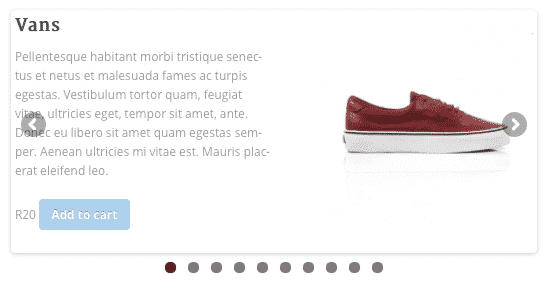
−85%WooSlider Products Slideshow 1.0.23
 −93%
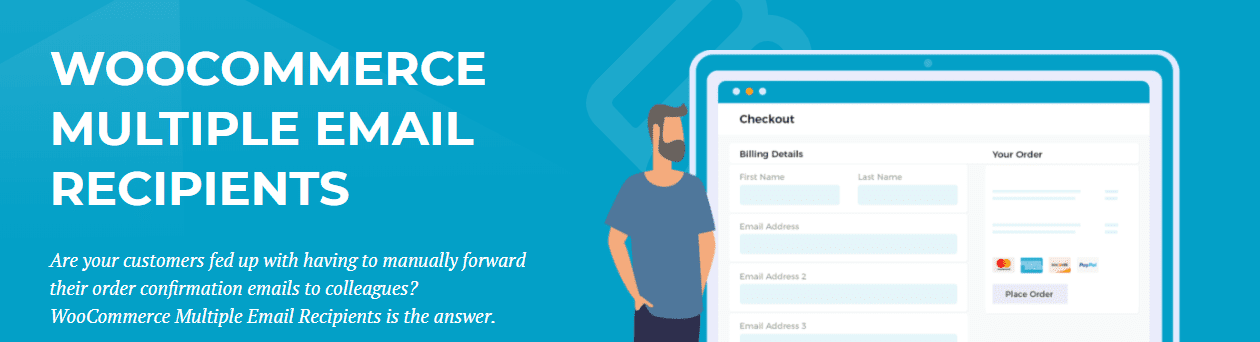
−93%WooCommerce Multiple Email Recipients (By Barn2 Media) 1.2
 −93%
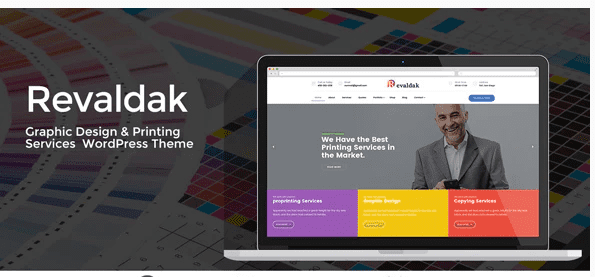
−93%Revaldak – Printing Services WordPress Theme
 −93%
−93%Quform – Responsive Ajax Contact Form 2.15.0
 −80%
−80%Purple – Notification & Transactional Email Templates
 −93%
−93%MusicStore – Music Affiliate Script 1.4
 −93%
−93%