
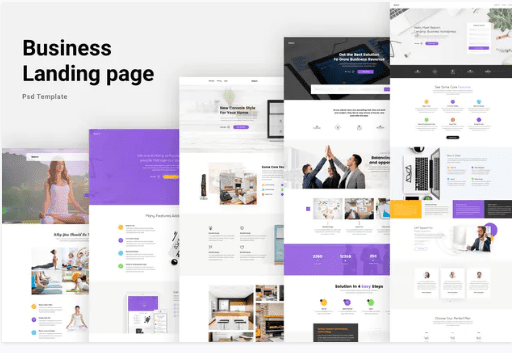
Business Landing Page Website Template
SKU: 3219
One-time payment · lifetime access to this file
- Instant download after purchase
- 100% original, unmodified GPL file
- Free lifetime updates on request
- Secure Razorpay / PayPal checkout
Product details
- Type
- Template
- Released
- July 18, 2020
About Business Landing Page Website Template
This is a landing page template for promoting web apps, mobile apps and other marketing or startup sites. The description calls it clean, modern and easy to customise, and the text inside refers to it as Prestige.
The store lists it as a static HTML template, but its categories also mention Photoshop PSD and Adobe XD files, and business, agency and furniture tags. Open the package to see what it contains: HTML files, design sources or both. The listing gives no page count, so check the folder contents.
Key features
- Landing page design
- Aimed at single-page promotion of an app or product.
- Clean, modern look
- Described as clean and modern.
- Easy to customise
- Described as simple to change to suit your needs.
- Marketing and startup use
- Suggested for web apps, mobile apps and general marketing sites.
Is it right for you?
A good fit for
- Startups launching a web or mobile app
- Small businesses that need one promotional page
Look elsewhere if
- Multi-page sites with blogs or shops
- Anyone who needs a CMS, since a static template has no admin area
How to install Business Landing Page Website Template
- 1
Download the file
Open My Account → Downloads and download the product. If the archive contains several zips (documentation, child theme, licensing files), you need the one named after the product.
- 2
Preview and edit
Unzip the template and open the HTML files in a code editor. Text lives in the .html files; colours and fonts are in the CSS.
- 3
Upload to your host
Upload the template folder's contents to your site's public folder (often public_html) with your host's file manager or SFTP, keeping the folder structure intact.
Notes for this product
- The categories mention PSD and Adobe XD files, so the package may include design sources next to the HTML. Use the HTML folder for the live site.
Setup: using Business Landing Page Website Template
- Open the package. Find the HTML files and any documentation or design sources.
- Preview locally. Open it through a local server to see the page as designed.
- Replace text and images. Edit the HTML to add your headline, product details, logo and screenshots.
- Upload to hosting. Upload the files to your web host and check the page on a phone.
Common problems and fixes
The contact form doesn't send
- Why it happens
- Static templates need a server-side script or a form service to deliver mail.
- How to fix it
- Configure the template's mail script with your address on a host that supports PHP mail or SMTP, or connect a form service.
Sliders, fonts or maps don't work when opening index.html directly
- Why it happens
- Browsers block some scripts on file:// pages.
- How to fix it
- Preview through a local server (for example VS Code Live Server) or after uploading to your host.
Alternatives to Business Landing Page Website Template
| Product | Choose it if | Price |
|---|---|---|
| LeadMark – Business HTML Landing Page Template | you want another business HTML landing page to compare. | $3.99 |
| LeNoto – Isometric Business HTML Landing Page | you prefer an isometric illustration style for your landing page. | $3.99 |
| Oya – Agency Landing Page Template | the page is for an agency rather than an app launch. | $3.99 |
Frequently asked questions
Is it a WordPress theme?
No. It is a static HTML template and does not install through the WordPress dashboard.
Does it include a working contact form?
The listing doesn't say. Static pages need a form service or script to send mail.
Are design files included?
The categories mention PSD and Adobe XD, but the listing doesn't confirm it. Check the package.
Categories: Business, Corporate, Agency, Company, Furniture, Adobe Photoshop, Adobe XD, PSD
Related products
 −94%
−94%Zyra – The Clean, Minimal Shopify Theme
 −95%
−95%Zenex – eCommerce WooCommerce Theme
 −93%
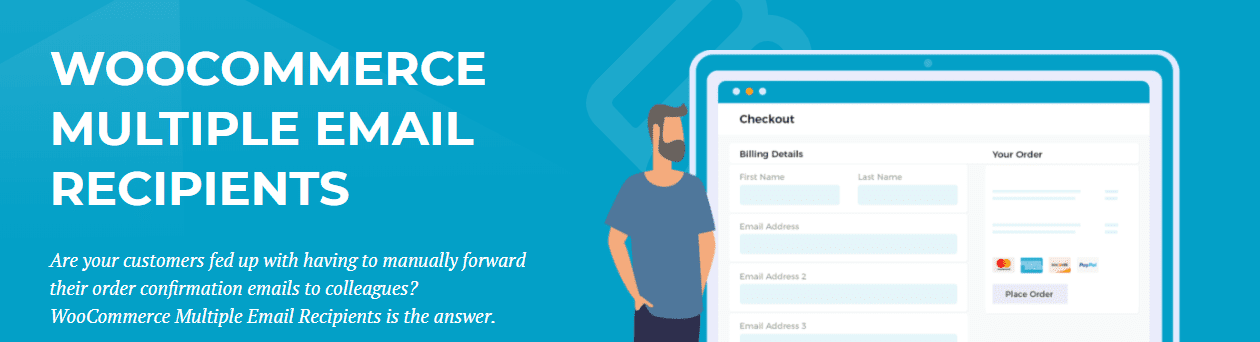
−93%WooCommerce Multiple Email Recipients (By Barn2 Media) 1.2
 −92%
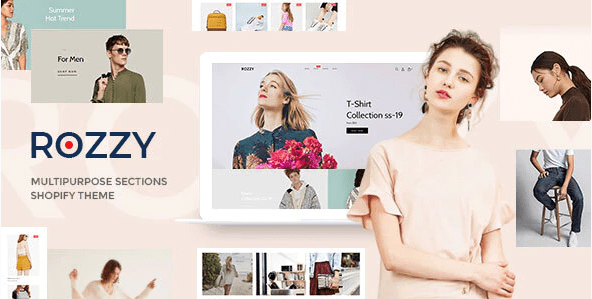
−92%Rozzy – Multipurpose Shopify Sections Theme
 −93%
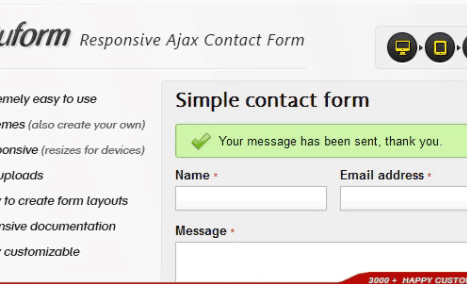
−93%Quform – Responsive Ajax Contact Form 2.15.0
 −80%
−80%Purple – Notification & Transactional Email Templates
 −94%
−94%Prioris – Consulting Agency Elementor WordPress Theme
 −93%
−93%